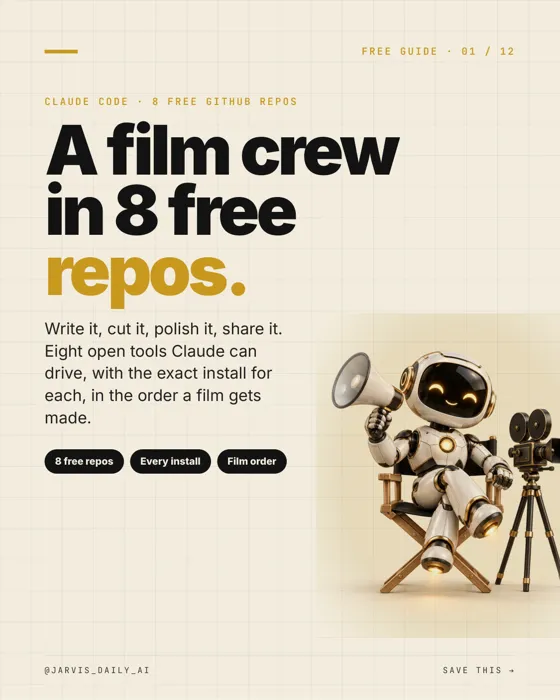
The Film Crew Kit: 8 free tools that make a short film
A whole film crew, free, in the right order.
You get this PDF right away, plus one email a week with the new guide. Unsubscribe in one click. Privacy
The problem
You have seen AI film tools everywhere, but each one has its own setup and you do not know which to use first. You end up with ten browser tabs and no film.
After this guide
You can set up a free film pipeline on your own machine and know which tool does which job. You can finish a first short scene in one sitting.
What's inside
- The exact install for all 8 tools, copy and paste
- The order a film gets made, from script to trailer
- One first prompt to try with each tool
- The licence of each tool, in plain words
Free preview
The Film Crew Kit is a free guide to eight open-source GitHub tools that Claude Code can run to make a short film. It gives the install for each tool and puts them in film order: write it, cut it, polish it, share it. It is for anyone who wants to make a short film with free tools and Claude Code.
- Install the prerequisitesInstall Node.js 22 or newer, Git, FFmpeg, Chrome or Chromium, and Claude Code. DramaClaw also needs Docker Desktop.
- Write it with DramaClawDramaClaw is a self-hosted production line for AI drama and short films. Paste a one-page script, let it split it into scenes and cast the characters, then approve the shots one by one.
- Cut it with video-usevideo-use is a Claude Code skill that cuts filler words and dead air, colour grades, adds subtitles and 30 ms audio fades, and checks its own cut. Herk Edit Kit is a second set of editing skills for reels and Shorts.
- Polish titles and motionHyperFrames turns HTML written by your agent into an MP4. Remotion renders scenes Claude writes as React, and Pireel is a timeline editor you can touch by hand.
- Share it with a trailerhtml-video turns a described video, an article link or a GitHub repo into an MP4 on your laptop. brag turns the project you just built into a short launch video with music and share copy.
- Start with one scenePick the first repo, run its first prompt, and finish one 20-second scene before you add the next tool.
3 prompts from the guide
Set up https://github.com/browser-use/video-use for me.
Read install.md first to install this repo, wire up ffmpeg, register the skill with whichever agent you're running under, and set up the ElevenLabs API key. Ask me to paste it when you need it. Then read SKILL.md for daily usage.
make a 20 second title sequence for my short film, dark and cinematic, then render it
let's /brag about this
The full guide has every step, all the prompts and the fixes for what usually goes wrong.
Questions
What do I need installed before I start?
Node.js 22 or newer, Git, FFmpeg, Chrome or Chromium, and Claude Code. DramaClaw also needs Docker Desktop.
Which free tools can make a short film with Claude Code?
The guide covers eight GitHub repos: DramaClaw, HyperFrames, video-use, Remotion, Herk Edit Kit, Pireel, html-video and brag. Each has its own install, and Claude Code runs most of them for you.
Can I use these tools for client work?
The guide lists a licence for each repo, including Elastic License 2.0, Apache-2.0, MIT and AGPL-3.0. Remotion is free for individuals, non-profits and companies up to 3 employees. The guide says to read each repo's LICENSE file before you build a client job on it.
Do I need an API key?
video-use transcribes with ElevenLabs, so you paste your own ElevenLabs key once. DramaClaw asks for your DramaClaw key in Settings > Model Config, or you can add your own model providers through the bundled gateway.
Which tool should I try first?
The guide says to pick one repo, run its first prompt, and finish one 20-second scene before adding the next tool. The tools are laid out in film order: write, cut, polish, share.
More free guides
 Let AI edit your videos
 Make a cinematic AI documentary
 Turn a script into a neon promo film
 Your free AI production studio
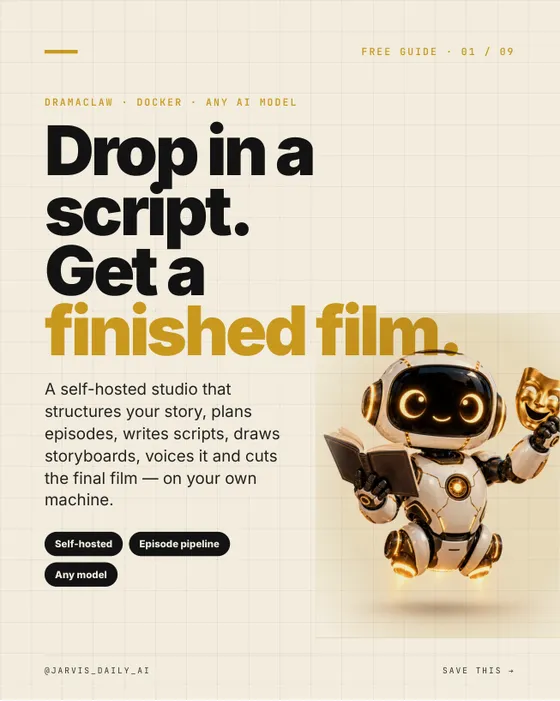 DramaClaw: script to finished film
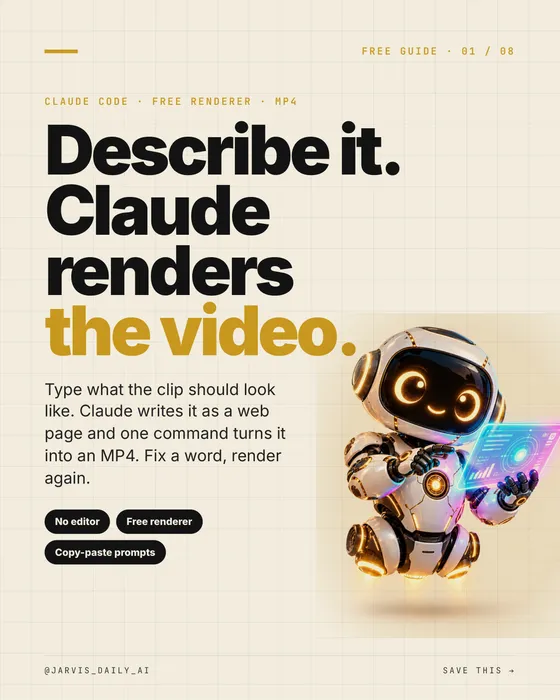 Text-to-Video Prompt Pack: make a clip by typing