DramaClaw: script to finished film
From script to finished episodes, on your own machine.
You get this PDF right away, plus one email a week with the new guide. Unsubscribe in one click. Privacy
The problem
Turning a script into a series means storyboards, voices, shots and an edit — usually a team and a pile of subscriptions. And your work lives on someone else's servers.
After this guide
You'll self-host DramaClaw with Docker, connect a model and run its six-stage pipeline: planned episodes, storyboards, voice-over and a finished cut. With fixes for the usual problems.
What's inside
- The licence in plain words
- Install with Docker, two routes
- Connecting a model and the six-stage pipeline
- Fixes for the common problems
Free preview
DramaClaw is a self-hosted studio that takes a manuscript or screenplay and works through structuring the story, planning episodes, writing scripts, drawing storyboards, voicing the result and cutting the final film. It runs on your own machine with Docker and works with any OpenAI-compatible model gateway. This guide is for anyone who wants to turn a script into a finished film, and it covers the licence, setup, model connection and fixes for common problems.
- Check the licence firstDramaClaw is source-available under the Elastic License 2.0. You can run it, modify it, redistribute it and sell the videos you make, as long as you keep a small "Powered by DramaClaw" mark in the interface. You can't offer the software itself as a hosted service to others.
- Confirm your machine is enoughNo models run locally, because every generation goes out through an OpenAI-compatible gateway. You need 2 vCPU and 4 GB RAM, plus Docker and docker compose on macOS, Windows (Docker Desktop with WSL2) or Linux. No GPU is needed, and there are no databases to install.
- Install with DockerRoute A uses the published images and is the fastest. Route B builds from source if you want to edit the code, and it needs the gateway repo cloned next to dramaclaw as a sibling folder.
- Connect a modelNothing generates until you pick a mode. Open localhost:8080, then Settings, then Model Config, and choose Official, Custom or Hybrid.
- Run the six-stage pipelineWork through Ingest, Asset library, Episode planning, Storyboards and first frames, Visual style, and Voice-over and cut. Long runs live in the Task Center, where you can retry or resume from a checkpoint.
- Use the canvas, then promoteUse the canvas to try image and video tools and test looks. Anything good can be promoted into the asset library or an episode with one action.
2 prompts from the guide
git clone https://github.com/dramaclaw/dramaclaw.git
cd dramaclaw
cp .env.example .env # set PROMPT_EXPORT_PASSWORD to your own value
docker compose -f docker-compose.release.yml up -d
docker compose up -d --build api web
The full guide has every step, all the prompts and the fixes for what usually goes wrong.
Questions
Can I sell videos made with DramaClaw?
Yes. DramaClaw is source-available under the Elastic License 2.0, and you can sell the videos you make without needing permission. You must keep a small "Powered by DramaClaw" mark in the corner of the interface.
Can I build a SaaS on top of DramaClaw?
Not without a deal. The licence's one limit is that you can't offer the software itself as a hosted service to others. Client videos are fine.
Do I need a GPU to run DramaClaw?
No. Inference runs on the gateway, so a laptop with 2 vCPU and 4 GB RAM is enough. Only the optional 3D world extra wants a GPU.
Why is nothing generating after install?
You haven't picked a model mode yet. Go to Settings, then Model Config, and pick Official, Custom or Hybrid. Nothing generates until you do.
What do I do if a long job dies or characters drift between episodes?
If a long job dies, open the Task Center and resume from the checkpoint instead of restarting. If characters drift between episodes, fix the asset library first, because consistency lives there and not in the prompt.
More free guides
 Let AI edit your videos
 Make a cinematic AI documentary
 Turn a script into a neon promo film
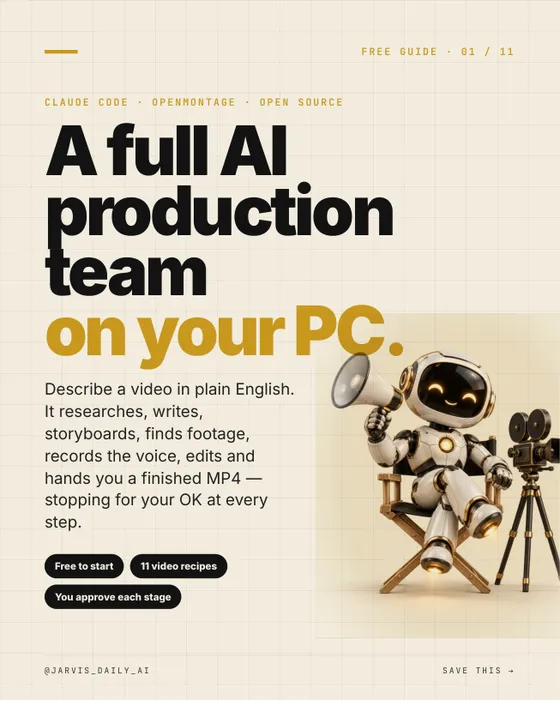 Your free AI production studio
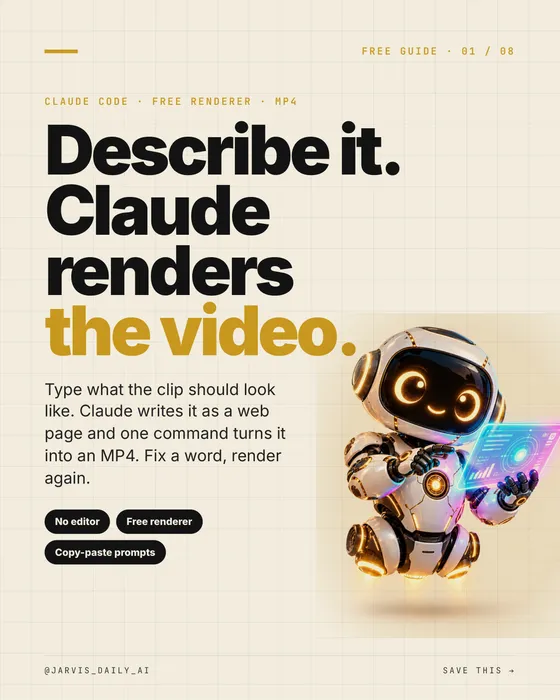 Text-to-Video Prompt Pack: make a clip by typing
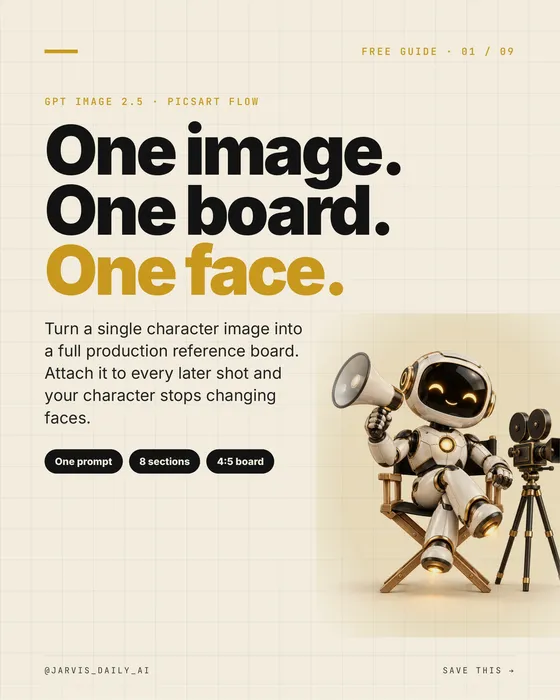 Keep your AI character the same in every shot