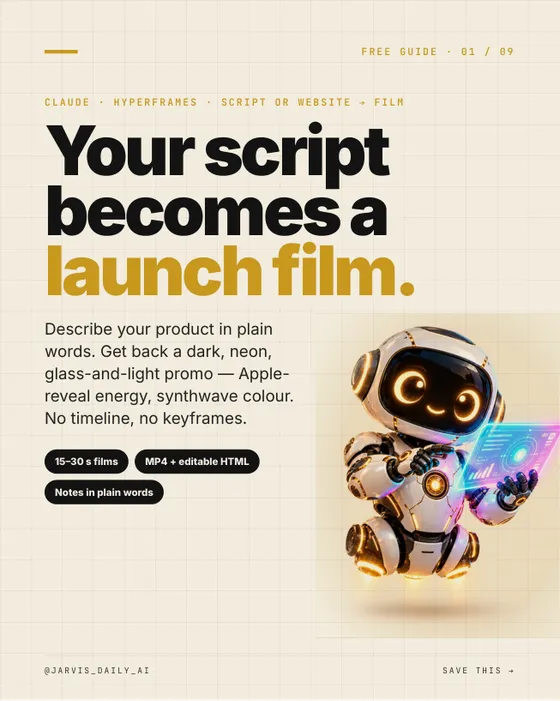
Turn a script into a neon promo film
Describe your product. Get a launch film.
You get this PDF right away, plus one email a week with the new guide. Unsubscribe in one click. Privacy
The problem
A slick product promo usually means a motion designer, a week of keyframes and a budget you don't have. So the launch goes out with a screenshot instead.
After this guide
You'll write a short script in plain words and get a dark, neon, glass-and-light promo film back, sized for every platform, with simple notes to change what you don't like.
What's inside
- The look: dark glass, travelling neon colour
- Writing a script that animates (with before/after)
- Ratios and lengths for every platform
- Plain-language notes and what each one changes
Free preview
This guide shows how to turn a plain-words script or a website into a 15–30 second dark, neon, glass-and-light promo film using Claude and HyperFrames. There is no timeline and there are no keyframes to set. It is for anyone who wants a short launch film and can describe their product in a few clear lines. You get an MP4 and an editable HTML version of the film.
- Give Claude a script or siteDescribe your product in plain words, or point Claude at your website. Claude designs the promo as code with HyperFrames and renders it, using words chosen from your script.
- Pick a ratio and lengthChoose 9:16 (1080 × 1920) for TikTok, Reels, Shorts and Stories, 1:1 (1080 × 1080) for feed posts and LinkedIn, or 16:9 (1920 × 1080) for a website hero, YouTube and decks. 15–20 s is the sweet spot; under 12 s feels rushed.
- Write the script to animateWrite for the ear, keep to four to six ideas, lead with your sharpest line, and kill adjectives. Numbers are gold: a figure gets its own shot.
- Review the beat sheetClaude first produces 4–7 timed beats, each with a shot type and the words on screen. Read it and fix the story before it builds.
- Wait for the renderClaude checks preview stills, then renders. A 20-second film is about 600 painted frames, and the whole process takes five to fifteen minutes.
- Refine only what is wrongSay what is off, such as "Beat three is too fast" or "Too busy", and only that part changes. You then get the MP4 and the HTML.
3 prompts from the guide
Make me a 20-second promo, 9:16, in a dark neon glass style. Here's the script: [your product in plain words].
Turn [yoursite.com] into a 30-second launch film, 16:9.
Now render that to MP4.
The full guide has every step, all the prompts and the fixes for what usually goes wrong.
Questions
How do I turn a script into a promo video with Claude?
Give Claude your script in plain words, or a website address, along with a ratio and length. It designs the film as code with HyperFrames, shows a beat sheet for you to check, and then renders it.
What do I get at the end?
You get an H.264 MP4 that is ready to post anywhere. You also get an HTML player you can scrub frame by frame and edit later. The HTML is a finished deliverable on its own.
What video sizes and lengths work best?
The guide covers 9:16 at 1080 × 1920, 1:1 at 1080 × 1080 and 16:9 at 1920 × 1080. For a social launch or site hero, 15–20 s is the sweet spot. Under 12 s feels rushed, and over 45 s needs a real story to justify it.
How long does it take to render?
The guide says the four stages take five to fifteen minutes. A 20-second film is about 600 painted frames, and the render is the slow part.
Why does my film look flat?
The guide says this is almost always the model, so switch to the strongest Claude model you have. Then tighten the script. Weaker models give flatter, clumsier films.
More free guides
 Let AI edit your videos
 Make a cinematic AI documentary
 Your free AI production studio
 DramaClaw: script to finished film
 Text-to-Video Prompt Pack: make a clip by typing
 Keep your AI character the same in every shot