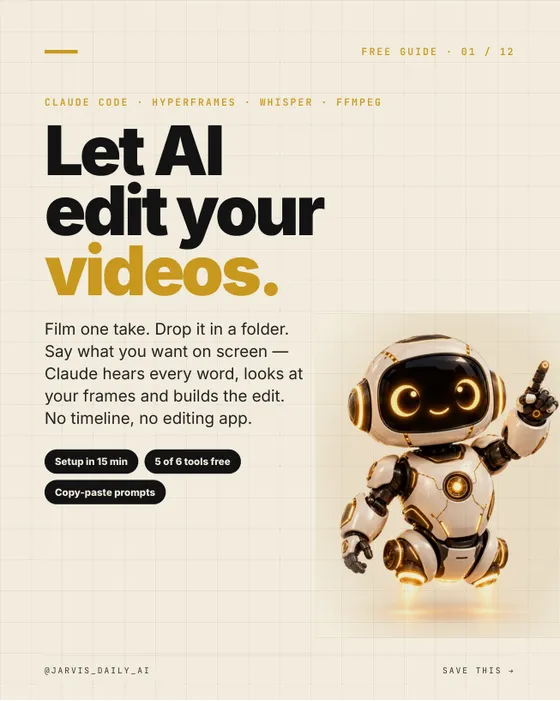
Let AI edit your videos
Stop editing. Start describing.
You get this PDF right away, plus one email a week with the new guide. Unsubscribe in one click. Privacy
The problem
You filmed the video in ten minutes, then lost the whole evening to the timeline: cutting pauses, typing captions, lining up every zoom by hand. That's why so many good ideas never get posted.
After this guide
You'll drop a raw take in a folder, tell Claude in plain words what you want on screen, and get back an edit with word-synced captions, cuts and effects. Want a change? You say it, not drag it.
What's inside
- The 6-tool kit (5 are free) and a 15-minute install
- How Claude hears and sees your footage
- Everyday edits and show-off effects, as copy-paste prompts
- How to give notes so every fix lands first time
Free preview
This free guide shows how to let Claude Code edit your videos for you. You film one take, say what you want on screen, and Claude writes the edit as a web page with HyperFrames and renders it to MP4. It is for anyone who wants captions, cut pauses and effects without opening a timeline or an editing app.
- Install the six tools onceSet up Claude Code, HyperFrames, Whisper, FFmpeg, Python 3 and Node.js 22+. Only Claude Code needs a paid plan (Pro or higher), and setup takes about 15 minutes.
- Give Claude ears and eyesWhisper writes every word with its start and end time, and FFmpeg pulls still frames. Together they tell Claude what you say, when you say it, and what the shot looks like.
- Film one clean takeUse a tripod, good light on your face, a quiet room and a mic close by. Before you stop, film 2 seconds of the empty room so Claude can hide you or split the scene into layers later.
- Plan, cut, build and previewClaude plans the edit on paper first, then cuts the dead air and builds the effects. Preview it in the browser with npx hyperframes preview.
- Send notes like a directorSay what, where and when, never how. Give one change per line, always with the time, then get the final MP4.
3 prompts from the guide
Set this computer up so you can edit my videos with HyperFrames. Check for Node.js 22+, FFmpeg, Python 3 and Whisper, install what's missing and ask me before each install. Then add the HyperFrames plugin, run npx hyperframes doctor, fix what it flags and list what's installed with versions.
My video is take.mp4 in this folder. Transcribe it with Whisper with a timestamp for every word and save it to take.words.json. Then pull one frame per second and look at them. Tell me what I say, when, and what's in the shot. Spell these names right: [your name, brand, product].
Add word-by-word captions synced to the transcript: 2–3 words at a time, bold white, the key word of each sentence in [colour], at about 65% of the screen height.
The full guide has every step, all the prompts and the fixes for what usually goes wrong.
Questions
Can AI edit my videos without Premiere or CapCut?
According to the guide, yes. Claude does not open an editing app. It writes your edit as a web page with HyperFrames and renders it to MP4, and you only watch the result and give notes.
What tools do I need to let Claude edit videos?
The guide lists six: Claude Code, HyperFrames, Whisper, FFmpeg, Python 3 and Node.js 22+. Five are free, and only Claude Code needs a paid Claude plan (Pro or higher).
How does Claude know where to put captions and effects?
Whisper gives a transcript with the time of every word, so an effect can land on the exact word. FFmpeg pulls still frames, so Claude can see where your face, hands and empty spots are.
How should I film a video for AI editing?
Use a tripod, light on your face, a quiet room and a close mic. Film 2 seconds of the empty room before you stop, and say your requests out loud one per sentence, with a short pause after each.
What do I do when the edit looks wrong?
Give a note with the time and the word, such as asking an effect to start on a specific word. You can also ask Claude to snapshot a frame and check it, or run npx hyperframes doctor if a render fails.
More free guides
 Make a cinematic AI documentary
 Turn a script into a neon promo film
 Your free AI production studio
 DramaClaw: script to finished film
 Text-to-Video Prompt Pack: make a clip by typing
 Keep your AI character the same in every shot