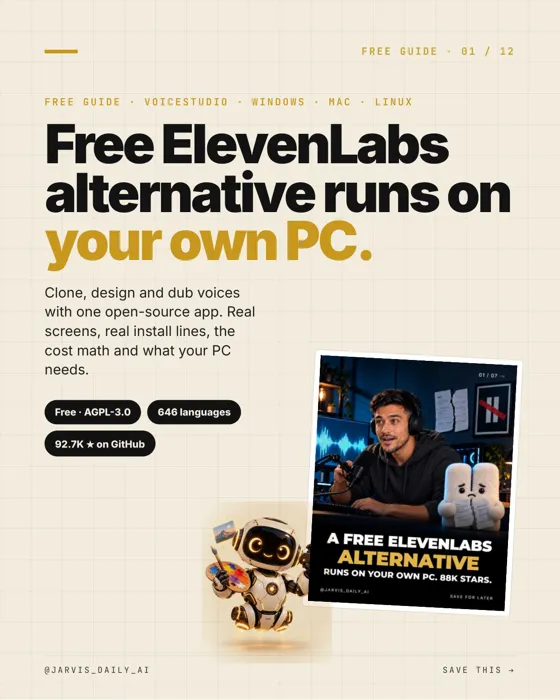
Clone and Dub Voices on Your Own PC
Voice cloning without a monthly plan.
You get this PDF right away, plus one email a week with the new guide. Unsubscribe in one click. Privacy
The problem
Voice AI tools charge a monthly fee, and every script you type goes to someone else's server. If you only need a few voiceovers or dubs, that adds up fast.
After this guide
You can install one free app and clone a voice you own, design a new one from a sentence and dub a short video. You also know which license terms to check before you sell the result.
What's inside
- The one-line install for Windows, Mac and Linux
- What hardware you need, with or without a GPU
- Clone, design and dub step by step
- The license and permission rules before you publish
Free preview
VoiceStudio is a free, open-source desktop app for Windows, Mac and Linux that clones a voice, designs a new voice from a description, dubs video into another language and transcribes audio. Local workflows stay on your own hardware, so there is no monthly plan. This guide is for anyone who wants to try voice cloning and dubbing on their own PC and use it within the license and permission rules.
- Install with one lineOn Windows 10/11, run the PowerShell command; on Mac or Linux, run the curl command in a terminal. You can also download the .exe, .dmg, .AppImage or .deb from the GitHub Releases page, then accept the one-time voice model download when the app asks.
- Check your hardwareAn NVIDIA GPU is fastest, Apple Silicon is fast, and a PC with no dedicated GPU works but runs slower on the CPU and needs about 5 GB of free disk. Intel Mac and Windows on ARM are limited.
- Clone a voiceOpen Voice cloning, choose a voice or add a clean reference recording of a voice you have permission to use, type a short script and press Ctrl/Cmd + Enter to synthesize. A good reference is one speaker, no music, no echo.
- Design a voiceOpen Voice design, describe the voice in plain words, type a script and generate. Change one thing at a time, such as age, pace or mood, then save the voice you like to reuse it.
- Dub a videoOpen Dubbing, choose a video file or paste a URL, pick the current and target languages, then generate and check the timing for lines that run long or cut off. Test with a 30-second clip before exporting a full video.
- Know the rulesThe app is AGPL-3.0, and the project also sells a Pro commercial license. Model weights carry their own terms, so read them before selling anything you make. Only clone voices you own or have clear permission to use.
3 prompts from the guide
irm https://voicestudio.sh/install | iex
curl -fsSL https://voicestudio.sh/install | sh
A calm woman in her thirties, warm and clear, speaking slowly like a podcast host, slight smile in the voice.
The full guide has every step, all the prompts and the fixes for what usually goes wrong.
Questions
Is VoiceStudio free?
The app is open source under AGPL-3.0 and free to run. The project also sells a Pro commercial license, and model weights carry their own terms, so check both before commercial use.
Can I clone a voice on my own PC without a GPU?
Yes. With no dedicated GPU it runs on the CPU, which is slower. Setup installs a small CPU build and needs about 5 GB of free disk, and the guide suggests trying a short script before judging the speed.
What makes a good voice cloning reference recording?
One speaker, no music, no echo, and a few clean seconds of normal speech. A noisy reference gives a noisy clone, so re-record before blaming the app.
Is it safe to run the one-line installer?
A one-line installer runs code from the internet. The guide advises opening voicestudio.sh/install in a browser and reading it first if you want to be sure.
Is it okay to clone any voice or dub any video?
No. Clone only your own voice or one you have clear written permission to use, and never clone a voice to impersonate someone or mislead listeners. Only dub videos you own or have the right to translate and republish.
More free guides
 Let AI edit your videos
 Make a cinematic AI documentary
 Turn a script into a neon promo film
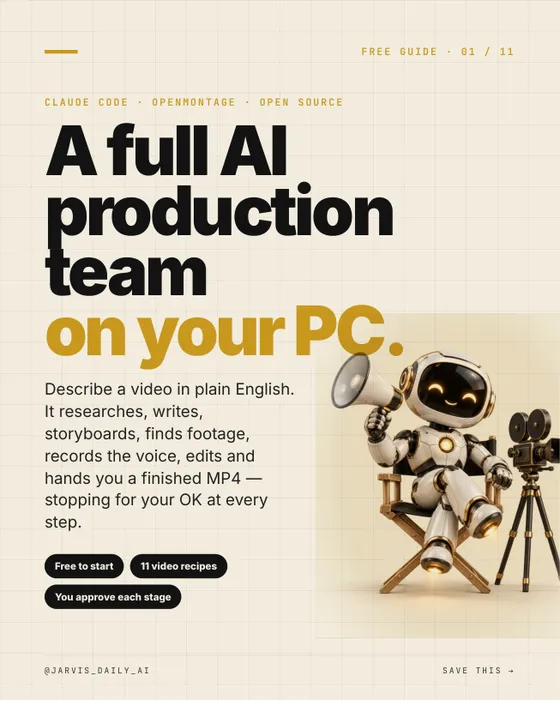 Your free AI production studio
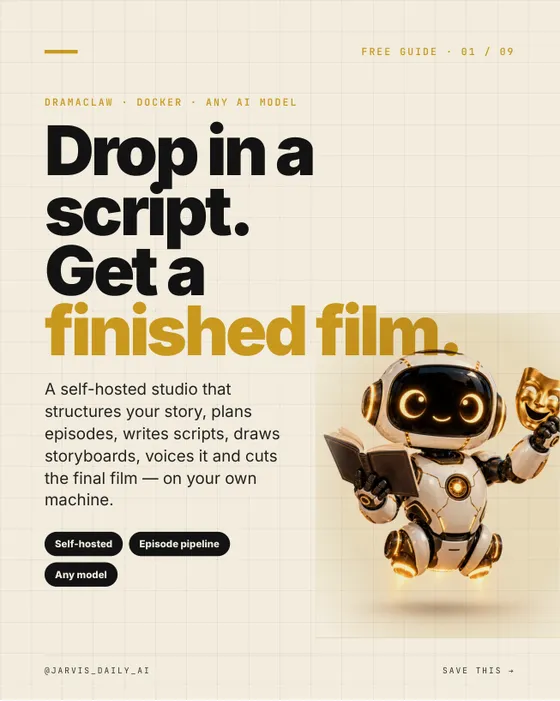 DramaClaw: script to finished film
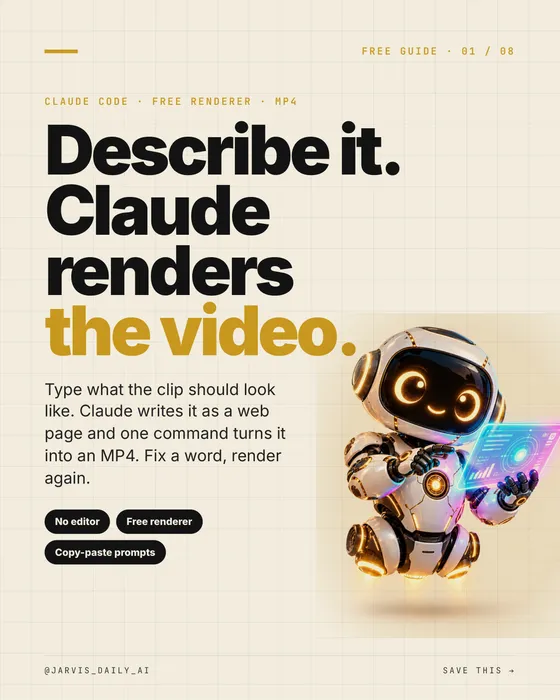 Text-to-Video Prompt Pack: make a clip by typing