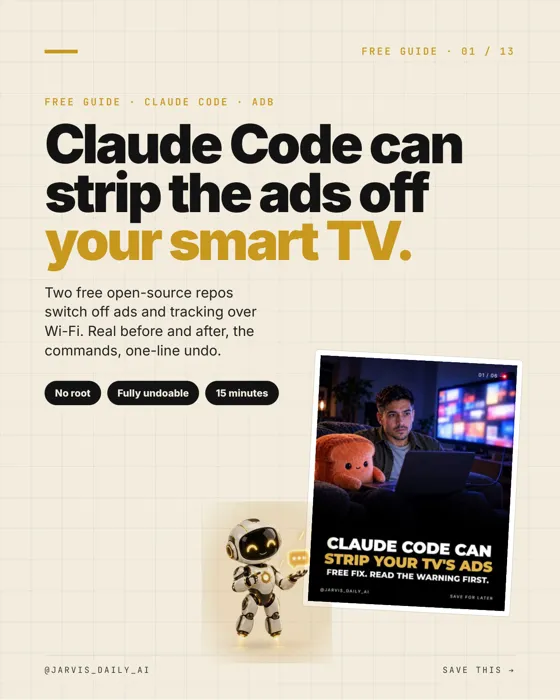
Claude Code can strip your TV's ads
Clean your TV. Keep the undo.
You get this PDF right away, plus one email a week with the new guide. Unsubscribe in one click. Privacy
The problem
You paid for the TV, and the home screen is still full of sponsored rows while background services quietly report what you watch. Doing it by hand means hunting through hundreds of cryptic package names.
After this guide
You will unlock the TV, hand Claude Code a safe playbook, and get ads and telemetry switched off with a backup and a restore script ready. If anything misbehaves, one command puts it back.
What's inside
- Which free tool fits your TV, and which brands are not supported
- How to unlock your TV in two minutes
- The exact prompts to hand to Claude Code
- The brick risks and the one-line restore
Free preview
Two free, open-source projects give Claude Code a playbook for switching off ads and background tracking on your smart TV over Wi-Fi. This guide is for owners of Android TV, Google TV and Amazon Fire TV devices who want a cleaner home screen without rooting anything. Packages are disabled rather than deleted, and a restore command puts everything back.
- Pick the right toolUse cleanyourtv for Android TV / Google TV and dumbtv for Amazon Fire TV. Samsung (Tizen) and LG (webOS) are not supported by either project, so skip them and use the TV's own privacy settings.
- Unlock the TVOn a computer with Claude Code and adb installed, enable Developer options on the TV and turn on USB or ADB debugging. Do it in one sitting, because some boxes cut power to the USB port while debugging is on.
- Clone the repo and start Claude CodeClone the repo for your TV, change into its folder and run claude. Then paste the prompt from the guide, with your TV model or IP address filled in.
- Review each stepClaude Code backs up your package list and settings first, and writes the restore script before changing anything. Check a screenshot from the TV after each step on Android TV, and confirm each step on Fire TV.
- Restore if neededOne command undoes the changes on either platform. Test the restore script once, then switch USB / ADB debugging back off on the TV.
3 prompts from the guide
Read PROMPT.md in this repo and follow it on my real TV. My TV model is: [YOUR TV MODEL]. Reuse the repo's tools/ and launcher/ folders instead of writing new ones. Back up the full package list and settings first, and write the restore script before you change anything. Never disable Android core system packages. Ask me before anything that depends on my preferences, and show me a screenshot from the TV after each step.
Clean up my Fire TV. Its IP address is [TV IP ADDRESS]. Read AGENTS.md first, ask me the setup questions, and confirm each step before you run it.
TV_HOST=<tv ip> tools/restore.sh examples/<your tv>/debloat.txt
The full guide has every step, all the prompts and the fixes for what usually goes wrong.
Questions
Can Claude Code remove ads from my smart TV?
For Android TV, Google TV and Fire TV, yes. Claude Code follows the playbook in the cleanyourtv or dumbtv open-source project and disables ad, telemetry and tracking packages over Wi-Fi using adb. It needs a Claude Code plan and a computer on the same network, and the tools themselves are free.
Does this work on Samsung or LG TVs?
No. Neither project supports Samsung (Tizen) or LG (webOS), and the guide says not to try to force it. Use the TV's own privacy settings instead.
Can I undo the changes?
Yes. Packages are switched off with pm disable-user rather than deleted, and nothing is written to the system partition. A restore command puts everything back, and the guide says to keep the restore script ready before you disable anything.
Can it brick my TV?
It can. Some owners got stuck on the boot screen after core system packages were disabled, and disabling the Google TV setup wizard can crash-loop the system. Never allow core packages to be touched, and keep the restore script ready.
Will it block YouTube ads?
No. The guide states that DNS filtering can't block YouTube ads. On Fire TV, OS updates also stay blocked while the DNS filter runs.
More free guides
 Six legal holes in your AI-built app
 Let Claude run Higgsfield for you
 230+ AI specialists for Claude Code
 The Claude Code creative studio stack
 The Reverse-Engineering Starter Kit: 5-minute setup + 10 prompts
 The Free Website Stack