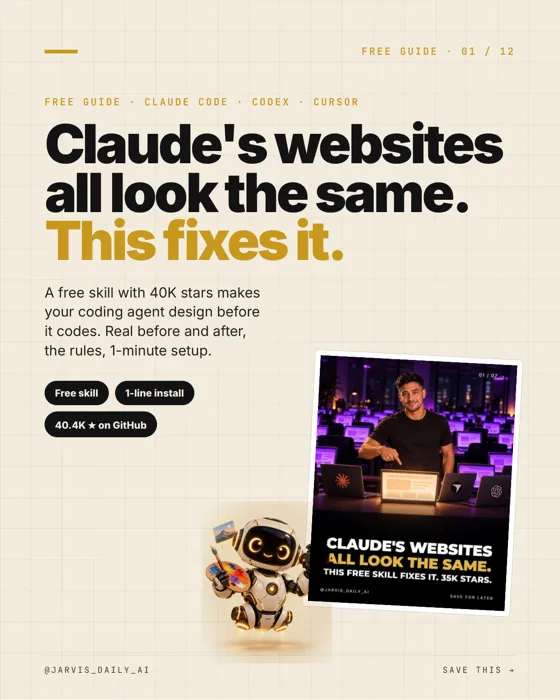
The Anti-AI-Slop Design Guide
Stop your AI sites looking the same.
You get this PDF right away, plus one email a week with the new guide. Unsubscribe in one click. Privacy
The problem
You ask your coding agent for a website and get the same page every time: a label over every heading, one coloured word, empty boxes, an email sign-up at the end. Clients and visitors notice.
After this guide
You can install one free skill and build pages that fit what the visitor came to do. You can also audit an old page and count its tells before and after.
What's inside
- The one-line install for Claude Code, Cursor, Codex and OpenCode
- The prompts to build, redesign or audit a page
- The tells that make a page look machine-made
- A six-question before/after checklist
Free preview
The Anti-AI-Slop Design Guide covers Hallmark, a free, open-source skill (MIT licence, no API key) that your coding agent loads before it designs anything. It works in Claude Code, Codex CLI, Cursor and OpenCode. It is for anyone whose AI-built website looks like every other AI-built website. On one test page the skill's linter counted 26 issues without it and 0 with it, using the same prompt and model.
- Check what you needPick one agent: Claude Code, Codex CLI, Cursor or OpenCode. You need Node.js 18+ for the installer. Chrome with puppeteer-core is optional, and the static checks still run without it.
- Install the skillRun one line to install Hallmark for every project, or leave off -g to install into the current project only. You can also add it as a Claude Code plugin.
- Describe what the page is forSay what the site is for, not how it looks. The skill asks once for real material such as photos, who buys, and the one thing a visitor should click.
- Let it design and self-checkIt reads your project, deals three themes from a catalog of 48, builds the hero alone and reviews it. Then it lints the finished page in a real browser at eight widths, and a fresh-context reviewer gets the last word.
- Go custom or fix old pagesAdd the word custom to drop the 48 themes. You can also redesign an existing page, or run an audit that reports the tells and changes nothing.
- Count the tells twiceRun the six-question checklist on an AI-built page, rebuild it with the skill, and run the checklist again.
3 prompts from the guide
npx skills add nutlope/hallmark -g
/hallmark a site for Five Mile Gin, a small distillery that forages its botanicals
/hallmark audit ./index.html
The full guide has every step, all the prompts and the fixes for what usually goes wrong.
Questions
How do I stop my AI-built website looking generic?
The guide's fix is a free skill called Hallmark that your agent loads before it designs anything. It picks a real theme, builds the hero first, and lints its own page for the tells that read as machine-made.
Does Hallmark work with Claude Code, Cursor and Codex?
Yes. It works in Claude Code, Codex CLI, Cursor and OpenCode. In Claude Code, Cursor and OpenCode you call it with /hallmark, and in Codex with $hallmark.
Does Hallmark cost anything or need an API key?
No. It is MIT licensed and needs no account, API key or paid plan for the skill itself. Your agent may need its own subscription.
What does the linter look for in an AI-made page?
It hunts a small label above every heading, one coloured word in the headline, and empty frames or only photographs. It also flags a hero that misses its screen, an email sign-up as the footer, and forms that say thanks but send nothing.
Can I use it on a page I already built?
Yes. Use redesign to keep your content, links and forms while rebuilding how the page looks. Use audit to get a report of the tells without any changes. Say "keep the layout" for a restyle only, or "polish" to fix just the tells.
More free guides
 Six legal holes in your AI-built app
 Let Claude run Higgsfield for you
 230+ AI specialists for Claude Code
 The Claude Code creative studio stack
 The Reverse-Engineering Starter Kit: 5-minute setup + 10 prompts
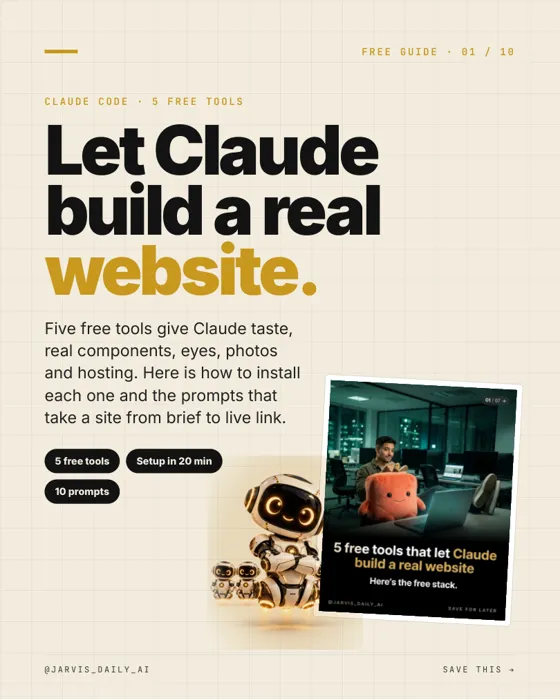 The Free Website Stack