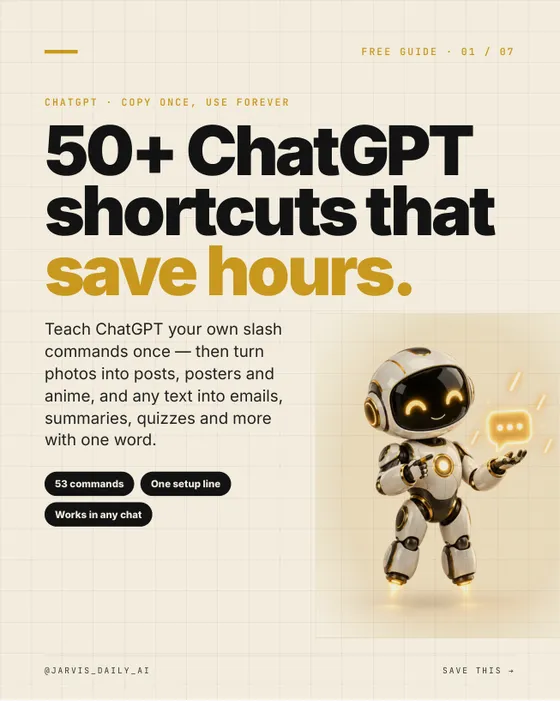
50+ ChatGPT slash commands
Type one word. Get the whole job done.
You get this PDF right away, plus one email a week with the new guide. Unsubscribe in one click. Privacy
The problem
You keep retyping the same long prompts: turn this into a post, summarise this, write the email. It's slow, and the results change every time.
After this guide
You'll teach ChatGPT your own shortcuts once, then turn photos into posts and any text into emails, summaries or quizzes with a single command — and chain them for bigger jobs.
What's inside
- The one setup line
- 3 photo commands: post, poster, anime
- 53 commands to learn, write, create and study
- How to chain and stack them
Free preview
This guide shows how to teach ChatGPT your own slash commands once, so one word triggers a task. It covers 53 commands for photos, writing, emails, planning and studying. It is for anyone who wants to reuse the same instructions without retyping them.
- Understand they're custom shortcutsThe commands are not built into ChatGPT. You teach them by pasting one setup line at the start of a chat, or into Custom Instructions so it is always on.
- Open ChatGPTStart a new chat at chatgpt.com, or set it once in Settings, Personalization, Custom Instructions.
- Paste the setup linePaste the setup line along with the list of commands you want from the guide.
- Type a command plus your inputType a command followed by your text, topic or photo, for example /summarize with an article, /email with "ask my landlord about the leak", or /poster with a photo.
- Combine and tailor themChain commands, add your context once in Custom Instructions, and stack modifiers such as /email /casual /shorten, which combine left to right. The guide suggests keeping five you use daily.
3 prompts from the guide
Treat the following slash commands as shortcuts. When I use one, follow its description using the text, topic or image that comes after it. [paste the commands you want from this guide]
/post — Turn my photo into a ready-to-upload social media post: strong composition, a short headline, clean modern design.
/poster — Turn my photo into a professional poster with a title, layout and print-quality finish.
The full guide has every step, all the prompts and the fixes for what usually goes wrong.
Questions
Are ChatGPT slash commands built in?
No. The guide says they are custom shortcuts that you teach ChatGPT. You paste one setup line at the start of a chat, or into Custom Instructions so it is always on.
How do I set up custom slash commands in ChatGPT?
Open a new chat at chatgpt.com, or go to Settings, Personalization, Custom Instructions. Paste the setup line with the commands you want, then type a command followed by your text, topic or photo.
How many shortcuts does the guide include?
It includes 53 commands. They cover photo commands, plus commands for learning, rewriting and communicating, and for creating, planning and studying.
Can I combine more than one command?
Yes. The guide says you can chain them, for example /summarize an article, then /headline, then /post. You can also stack modifiers like /email /casual /shorten, which combine left to right.
Can I make my own commands?
Yes. The guide says to describe the output once and it works every time, with /thumbnail, /linkedin and /story as examples. It also advises checking facts, since /explain and /deepdive can sound confident even when wrong.
From the blog
More free guides
 40 UGC videos in one night
 Find clients with Claude and Google Maps
 Five buyers, one prompt
 The Google Maps Listing Audit Prompt
 The 3-Check Switch Scorecard
 The Answer-to-Action Prompt