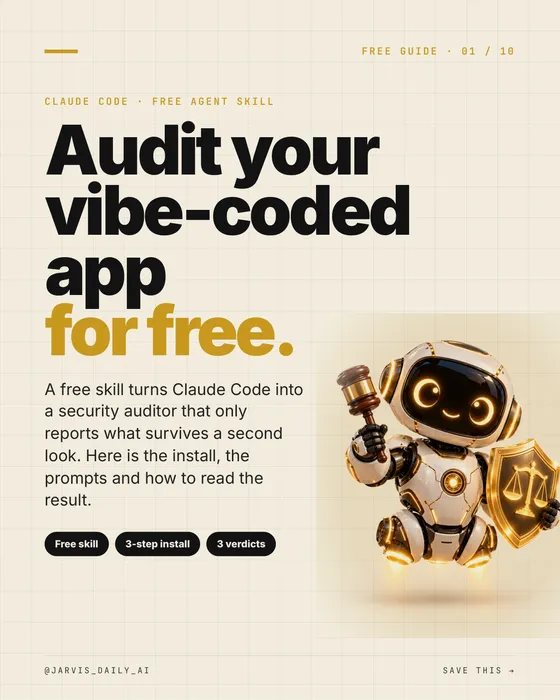
The free security audit for your vibe-coded app
Find the holes before someone else does.
You get this PDF right away, plus one email a week with the new guide. Unsubscribe in one click. Privacy
The problem
You built the app in a weekend with AI and shipped it. Nobody has checked it for security holes, and a normal scan buries you in false alarms.
After this guide
You will install a free auditor, run it on your project and get a short report where every finding was re-checked by a second agent. You will know what to fix first.
What's inside
- What the six-phase audit checks, in plain words
- The 3-step install and the 3 prompts to run
- How to read confirmed, needs-validation and rejected
- Why one pass is not enough, and what to do next
Free preview
This guide shows how to turn Claude Code into a security auditor using a free, open-source skill. The skill reads your code like an attacker, then has a second, separate agent try to prove each suspicion wrong, so you only see findings that survive. It is for anyone shipping an AI-built (vibe-coded) app who wants it checked, and should be used only on code you own or have written permission to test.
- Know what you needYou need a coding agent that supports tools and parallel sub-agents (Claude Code works) and Node.js. A sandbox is optional and only needed if you want the skill to run your code.
- Install the skillRun the npx install command from the cloudflare/security-audit-skill repo. For every project, add --global to the install command.
- Open your projectStart Claude Code in the folder of the app you want checked, or point it at that folder.
- Ask for the auditThe skill starts by itself when your request sounds like a security audit. You can audit the whole project, one folder, or choose where reports go.
- Read the three verdictsEach lead is marked CONFIRMED (fix it first), NEEDS_VALIDATION (one exact fact is unresolved) or REJECTED (disproved, ignore it). Read REPORT.md, then FINDINGS-DETAIL.md, then NEEDS-VALIDATION.md.
- Run it more than onceRuns are additive: the skill builds on the earlier ledger, goes after the gaps and re-checks changed code. Plan on two or three passes in total, fixing every confirmed finding after each.
3 prompts from the guide
security audit this codebase
find security vulnerabilities in ./src
do a security review, output to ~/audits/my-project
The full guide has every step, all the prompts and the fixes for what usually goes wrong.
Questions
How do I audit a vibe-coded app for security issues for free?
Install the free, open-source security-audit skill for Claude Code, open your project folder and ask for a security audit. The skill is MIT licensed, and the only cost is your Claude plan.
How does the security-audit skill avoid false alarms?
The agent that finds a bug is never the one that confirms it. A fresh agent tries to disprove every lead, and more fresh agents re-check the final claims against the source before reports are written.
Do I need a sandbox to use it?
No. A sandbox is only needed if you want the skill to run your code, such as builds, tests or fuzzers. Without one, the skill does not run your code and marks that lead needs_validation while it keeps reading.
Why should I run the audit more than once?
In the authors' own test runs, a single run found roughly half of the vulnerabilities that repeated runs found in total. Each run builds on the earlier ledger, so plan on two or three passes.
Is it safe to run on any code?
Use it only on code you own or have written permission to test. Do not paste secrets into chat, and if a key shows up in a finding, rotate it. Human review is still your job, since the skill finds bugs but you read and fix them.
More free guides
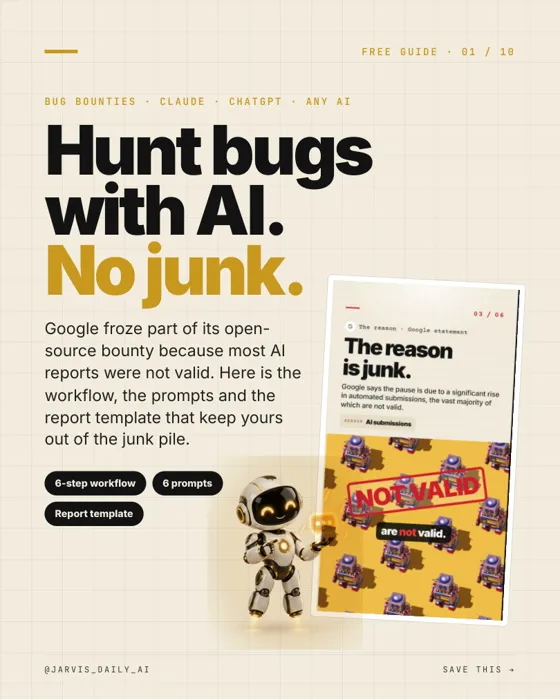 AI Bug Hunting Without the Junk
 AI Agent Safety Checklist
 4 Settings Before an AI Runs Your Computer
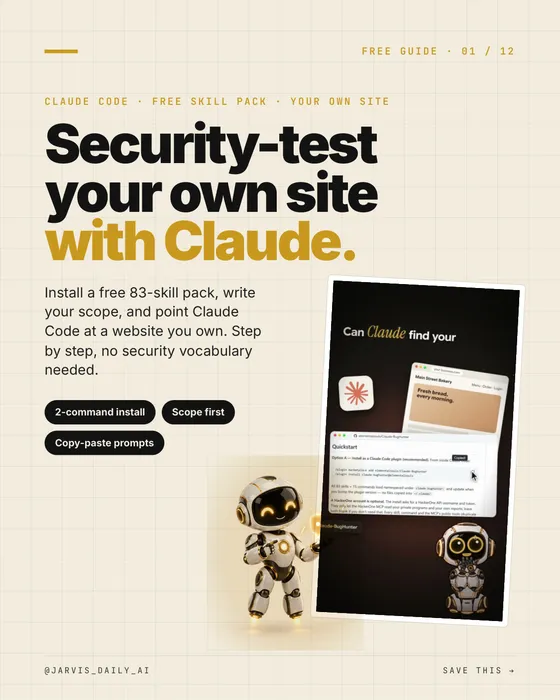 The Claude Code site security setup guide
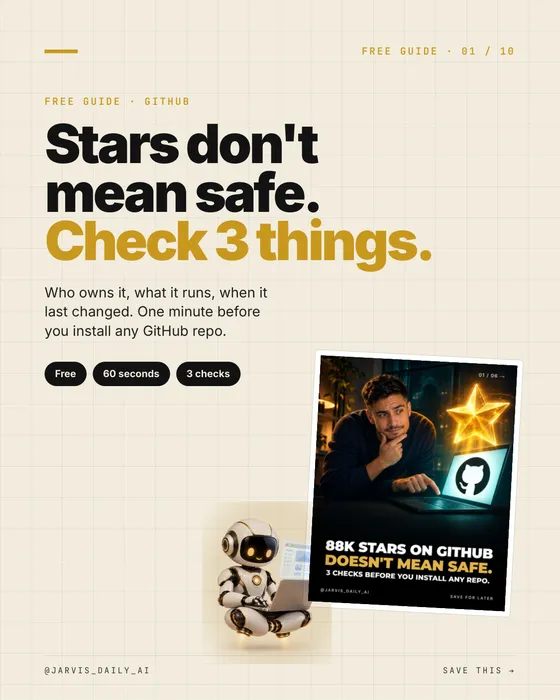 The 60-second repo check
 Let AI edit your videos